
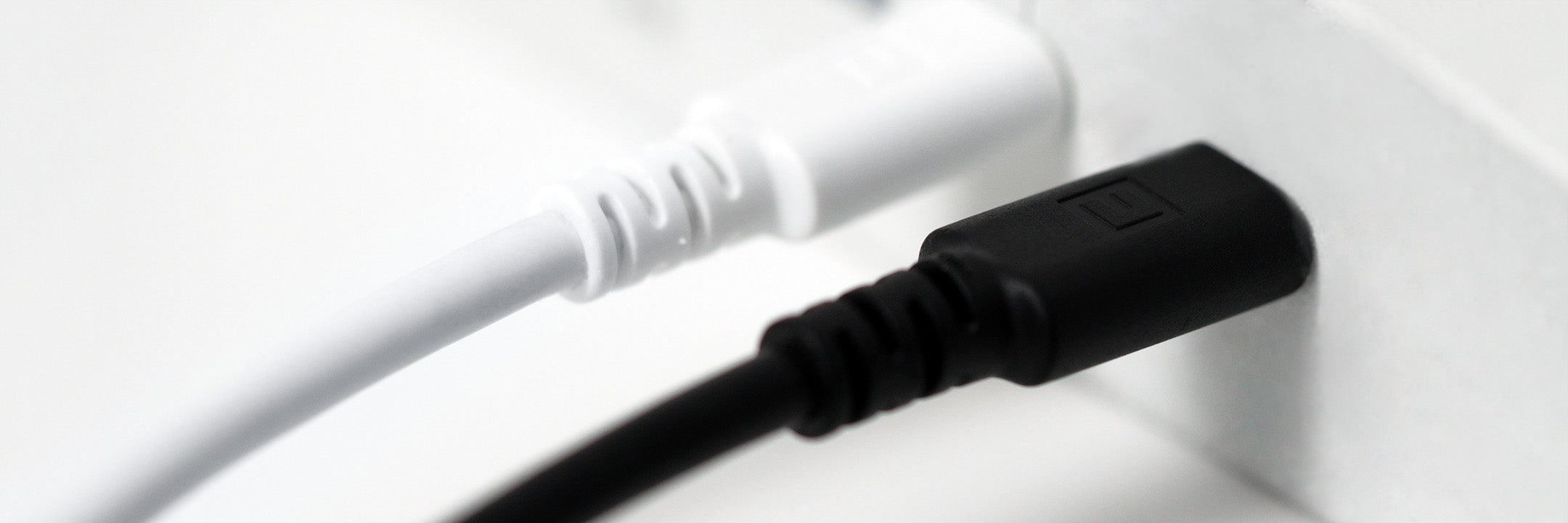
High-performance USB cables designed for fast, reliable data transfer up to 10 Gbps, featuring TPE-jacketed constructions built for demanding environments across industrial, consumer, and test applications.
Available in USB A to C and USB C to C configurations, these cables support USB 2.0, 3.0, and 3.1 Gen 2 standards for seamless compatibility across both legacy and next-generation devices. Below is a table comparing the USB speeds, ranging from USB 2.0 to USB 3.2.
| Popular Name | Nomenclature Name | Speed |
| USB 2.0 | USB 2.0 | 480 Mbps |
| USB 3.0 | USB 3.2 Gen 1x1 | 5Gb/s |
| USB 3.1 | USB 3.2 Gen 2x1 | 10Gb/s |
| USB 3.2 | USB 3.2 Gen 2x2 | 20Gb/s |
The TPE outer jacket offers greater flexibility and durability than standard PVC, maintaining performance in environments where cable resilience is critical.
Options in black or white and lengths of 1 m, 2 m, and 3 m provide adaptable solutions for data, power, and communication applications where reliability and clean design are key.
Key Features |
Applications |
|
|
What are the benefits of a TPE jacket on USB cables?
TPE (thermoplastic elastomer) provides excellent flexibility and abrasion resistance, reducing tangles and wear while maintaining a clean appearance even with repeated use or bending.
Do longer USB cables affect data speed?
Yes, cable length can impact performance at higher data rates. For USB 3.1 Gen 2 (10 Gbps), shorter cables—1 m or 2 m—help preserve full speed, while 3 m cables may show minor signal loss depending on the connected devices.
When to choose 1m, 2m or 3m for USB cables?
- 1m: Best for fast charging & data transfer (minimal signal loss).
- 2m: Balanced reach and performance.
- 3m: Great for flexibility and large setups.
Are USB 3.1 cables backward compatible with older USB devices?
Yes. USB 3.1 cables work seamlessly with USB 2.0 and USB 3.0 ports, automatically adjusting to the supported transfer speed of the connected device.
How do I know if a USB cable supports both data and power?
Check that the cable is rated for USB 3.0 or USB 3.1 Gen 2, which ensures high-speed data transfer (up to 10 Gbps) and power delivery capability. Cables labeled with PD support or a defined current rating (e.g., 3 A or 5 A) can handle simultaneous charging and data communication for laptops, peripherals, and test equipment.
